
Name-Based Case Searches
Start at the official Comal County Records and Resources page. That page links to the Odyssey Judicial Record Search. Odyssey sorts lookups into Probate Case Records; Civil, Family Case Records; Criminal Case Records; Jail Records; and Jail Bond Records. Choose the group that fits your court matter before typing a name. A broad search can mix together people who share a name. Spelling differences can hide the right case too.
Use only the fields the current interface shows, since the live form may change. When needed, add a first name after the last name. Then compare the court and case type and open the matching summary. If the system is down, call or visit the clerk who keeps the file. Do not trust another person's result.
- Open the county records gateway and choose the correct record category.
- Enter the party name as the current form requests it.
- Compare the court, case type, filing date, and displayed parties.
- Open the likely match and read its summary and actions.
- Ask the responsible clerk for a document or certified copy.
Comal Odyssey’s Five Categories
The five Odyssey choices work as a routing tool. Probate does not travel in the same lane as a felony. A jail booking or bond entry is not the criminal court docket. Comal County District Court matters generally route through the District Clerk. County Courts at Law records go through their own clerk, and city Class C cases stay with the issuing municipal court.
| Odyssey choice | Best use | Important limit |
|---|---|---|
| Probate | Probate case summaries | Copies require the proper clerk |
| Civil, Family | Civil and family actions | Some family details are restricted |
| Criminal | Filed criminal cases | Not a jail or bond search |
| Jail | Custody information | Not the full case history |
| Jail Bond | Bond information | Not proof of disposition |
That split guards against a common mistake. An arrest-related entry cannot tell you what was filed in court or how the case ended.
Case Number Searches
A cause number is the sharpest search key. It may come from a notice, pleading, receipt, or prior docket entry. Type it exactly as the live portal displays the format. Never convert a citation number, police report number, or municipal docket number into a guessed county cause number. Those identifiers can point to separate records in separate systems.
Comal County Courts at Law describe a civil format. It is built from a four-digit year, (CV), and four digits. That pattern belongs to the CCL civil route, not every Comal County court. Keep the punctuation and leading zeros when the form accepts them. If an older record will not return, hand the number and party name to the responsible clerk.
Key point: Cause, citation, docket, and police case numbers are not interchangeable. Use the identifier label printed on the source document.
When Comal Odyssey Times Out
A portal being down does not mean the record is gone. If the local Odyssey interface times out, reopen the county Records and Resources page. Do not trust an old bookmark. Then confirm the matter belongs to a county court. It may instead be municipal, appellate, or federal.
For District Court records, contact the Comal County District Clerk at 150 N Seguin Ave., Suite 3009, New Braunfels, or 830-221-1250. County Courts at Law records can be requested through the clerk at 199 Main Plaza. Records help is available at 830-221-1149 and ccalrecords@co.comal.tx.us. Written, in-person, phone, and email routes all still work when an online summary is missing.
Note: Give the clerk the party name, court, cause number, and the exact document sought. Do so whenever you know those details.
Case Search Results Explained
A Comal County docket search shows events, not a full file. Depending on the court and system, you may see the court or division, cause number, case type, filing date, parties or protected placeholders, lawyers, settings, motions, orders, judgments, pleas, payment events, warrants, disposition, and later activity. The County Courts at Law state this plainly. The public search provides case summary and actions. It does not provide online document images.
| Court and division | Identifies the tribunal responsible for the matter. |
|---|---|
| Cause number | Provides the court’s key for the filed case. |
| Case type | Routes criminal, civil, family, probate, or another category. |
| Action or event | Records a filing, setting, order label, or other docket step. |
| Status or disposition | Shows the portal’s current case state, subject to clerk verification. |
A label is not the order's full text. Request the signed document when exact terms matter. And a filed date does not prove every attachment can be viewed online.
The 2025 Comal Access Change
Comal County published a major access instruction effective September 1, 2025. The District Clerk no longer e-serves or emails court orders and notices. Parties are directed to obtain those materials through re:SearchTX. So an e-filing notification should not be read as though the clerk also sent the signed order.
The county notice appears on the official search entry. The Comal County Records and Resources page presents this instruction. It displays no private case rows.
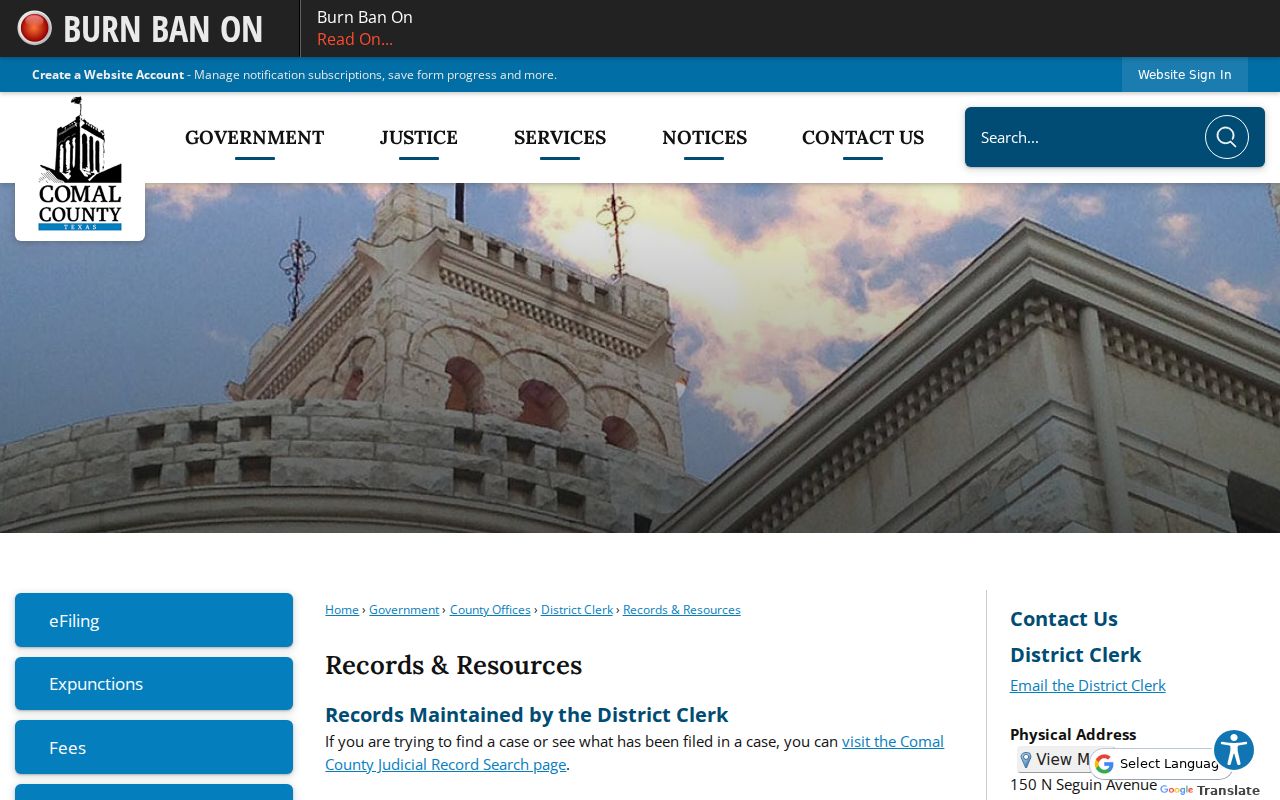
The notice explains where orders now come from. Confirm the current county instruction before relying on an older email workflow.
Two Comal Docket Search Routes
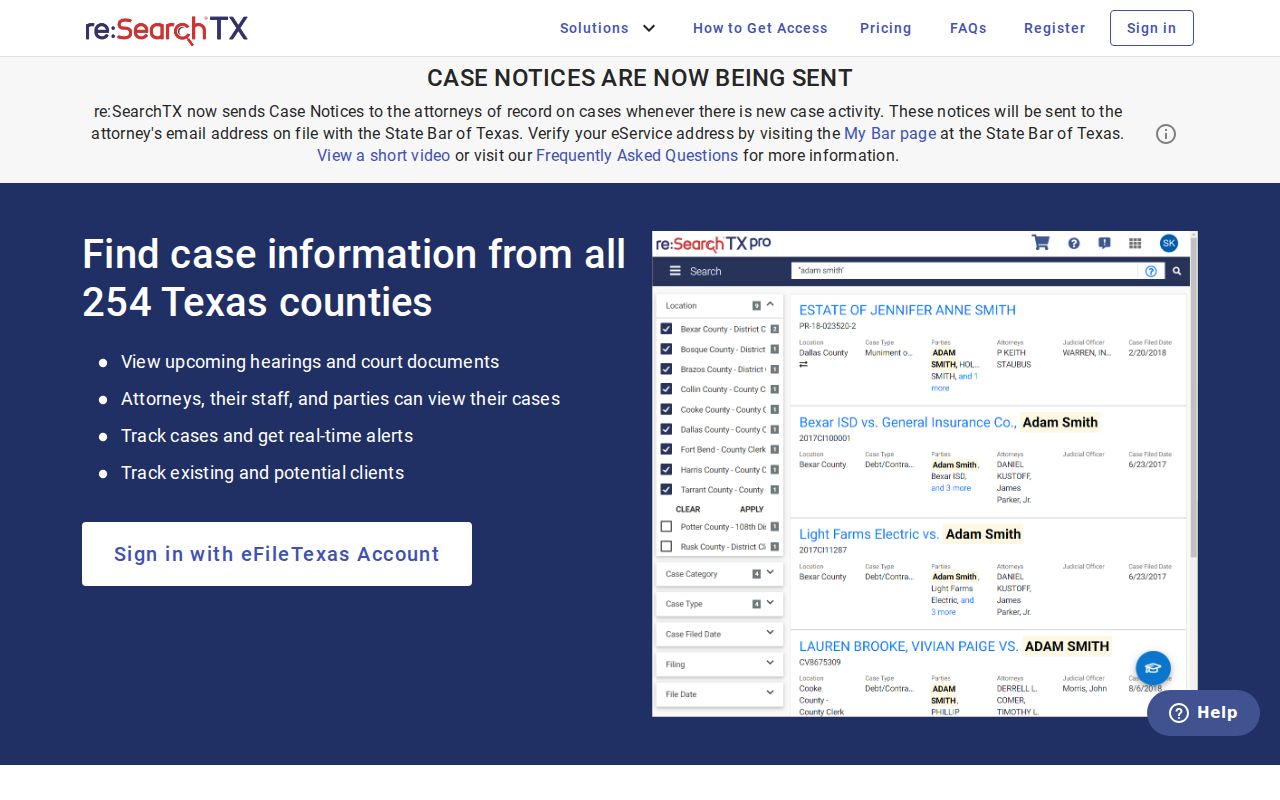
County Odyssey and re:SearchTX serve different needs. Odyssey starts with Comal-specific categories and local clerk routing. re:SearchTX adds the statewide Texas layer and carries the county's stated route for orders and notices. Neither is eFileTexas, the filing system used to submit documents.
| Point | Comal Odyssey | re:SearchTX |
|---|---|---|
| Coverage | Comal County categories | Participating Texas courts |
| Best starting use | A known local case | Statewide search or order retrieval |
| Public depth | Summary and actions when available | Access varies by court and account |
| Fallback | Responsible local clerk | Originating court or clerk |
The statewide landing page offers orientation only. It is not proof that a named record is public or complete.
The source for the view is the official Texas re:SearchTX portal.
Comal Attachments May Stay Hidden
A filing and a public search are two different things in Comal County. The e-filing instructions explain that only the lead document gets full filing treatment. Attachments stay out of Judicial Record Search and re:SearchTX. So a court docket entry may confirm a filing happened. The attachment itself never reaches public view.
Before assuming the worst, understand the limit. A missing attachment does not mean it was rejected or never filed. The public index simply has edges. When you need the pleading, order, exhibit, or judgment by name, ask the clerk. Give the cause number and date if you have them. For the fuller request workflow, see Comal County court case records.
Two Ways to Search: County and State
Pick your tool by where the case sits. A matter you know belongs to Comal County works well in the local portal. Turn to re:SearchTX when the county is unclear. Use it as well when a case might cross participating Texas courts, or when county instructions point there for orders and notices. Municipal matters belong in the issuing city's own system. Federal cases live in PACER, not Odyssey.
Each city around the county runs its own route. New Braunfels, Schertz, Fair Oaks Ranch, Bulverde, and Garden Ridge all maintain separate municipal options. A city payment balance can show where a citation stands. But it is not a certified county file. Start with whatever court is named on the citation or notice. That one habit keeps a docket search away from the wrong clerk. It also preserves the line between a city citation and a county court case.
Which Cases Stay Restricted
Some Comal County court records are closed by law. Sealed cases, expunged matters, juvenile information, confidential family records, and protected filings may be pulled or masked. Some are limited to authorized people. Texas Rule of Civil Procedure 76a governs sealed court records. Texas Family Code Chapter 58 sets juvenile confidentiality rules. Remember this when results come back thin. A blank or partial result cannot prove no case exists.
If access looks restricted, ask the clerk's office about the correct process rather than guessing. The Texas judiciary Open Records Policy and Rule 12 cover judicial records. Still, any case file also answers to statutes, court rules, and sealing orders. One warning is worth keeping. The county public-information office is no shortcut. The clerk actually controls the court case file.
Use docket results to track court activity. Verify important dates, filings, and outcomes with the court or clerk that maintains the original record.